Your company brain.
Offiks.ai captures your organisation’s memory — documents, decisions, exceptions — and lets AI agents do the routine work. You approve. They do the rest.












All your tools, one brain
Offiks.ai integrates with the systems you already use and brings everything together in one memory.
Structure it now,
reap the rewards with AI later.
Every request that comes in makes the brain smarter. A blue chip is a human step, an orange chip an agent step — a distinction that runs through the whole platform.
Request
Someone asks for something: leave, a purchase, a report. By email, form or Teams.
Work it out
The agent pulls out the details and checks them against what your company already knows.
Approve
One look, one click. You decide, with a full audit log.
Follow up
The agent updates your systems, notifies the right people and follows up until it’s done.
See it in 60 seconds
What changes when your company gets a brain.
users work with Offiks.ai
Customer stories
From wine importer to truck dealer — how organisations use Offiks today.
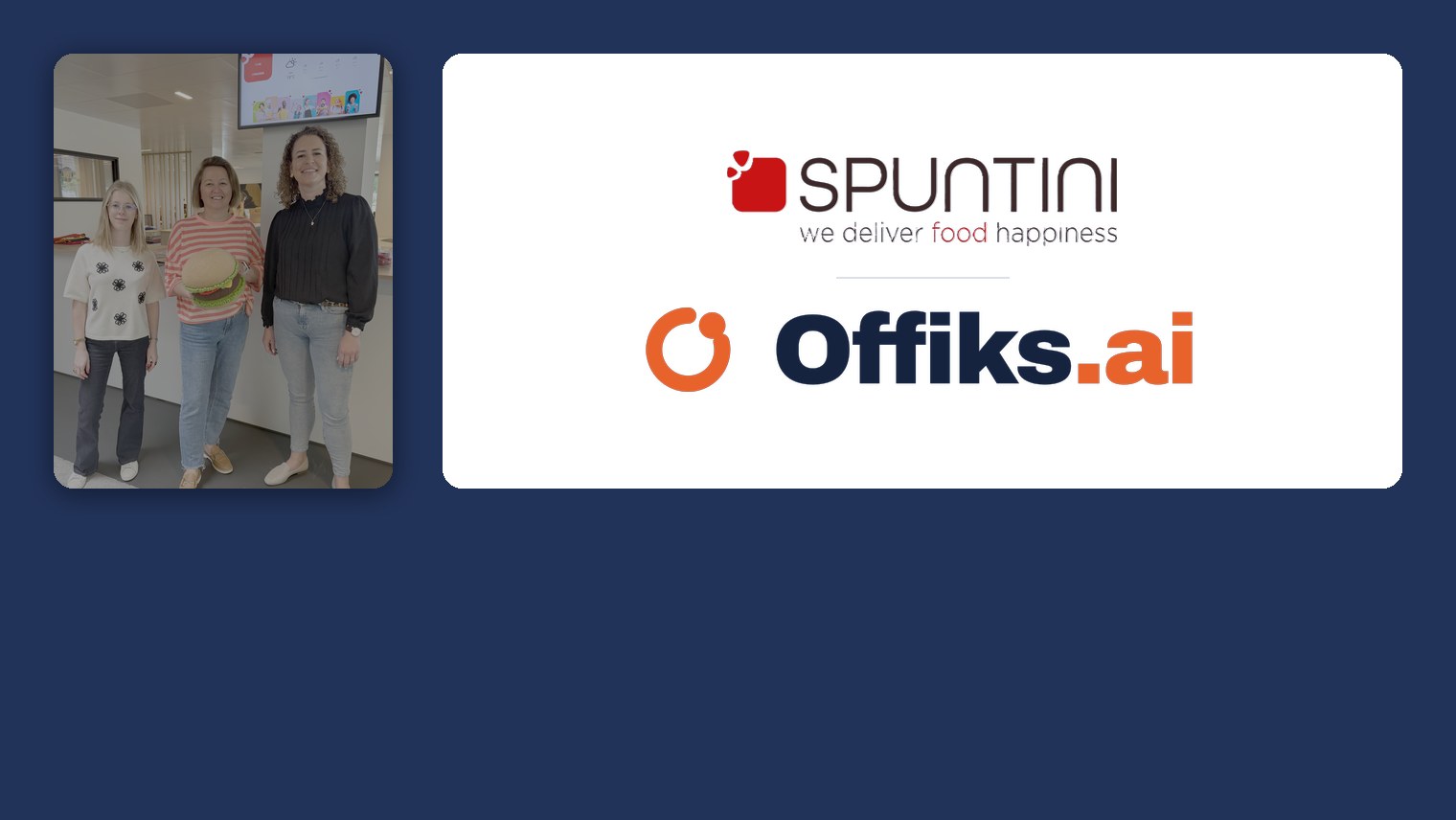
Spuntini: HR in their own hands
Spuntini brought documents, onboarding, training and equipment together on one platform — and runs it entirely themselves, without an IT department.

MAN Belgium: a customer portal for 22 dealers
An extranet that lets independent dealers find exactly the right documents — without opening up the internal SharePoint.
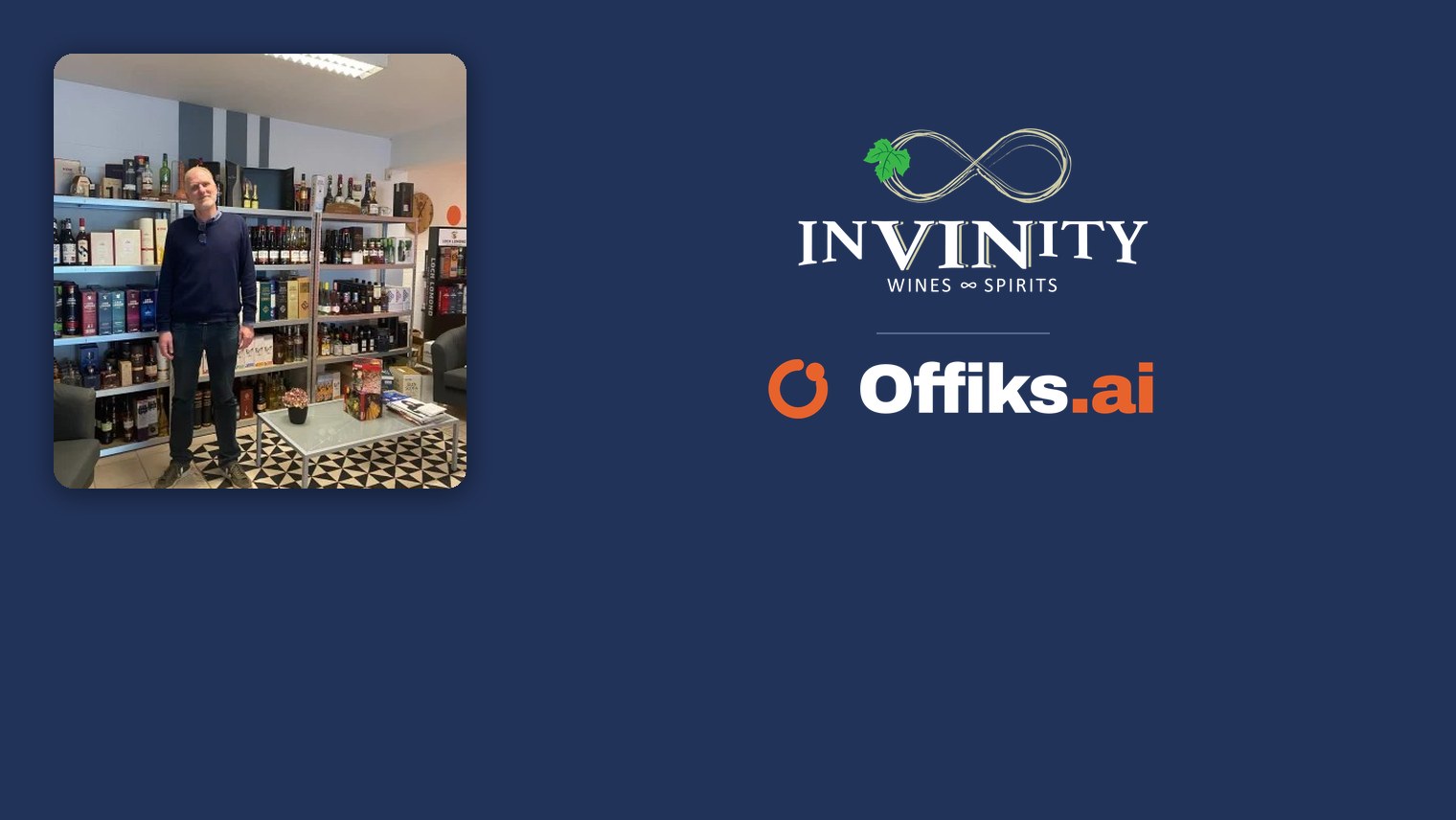
InVINity: from folder chaos to one click
Twenty years of accumulated folders swapped for documents you find by their metadata — on the road too, and linked to Business Central.

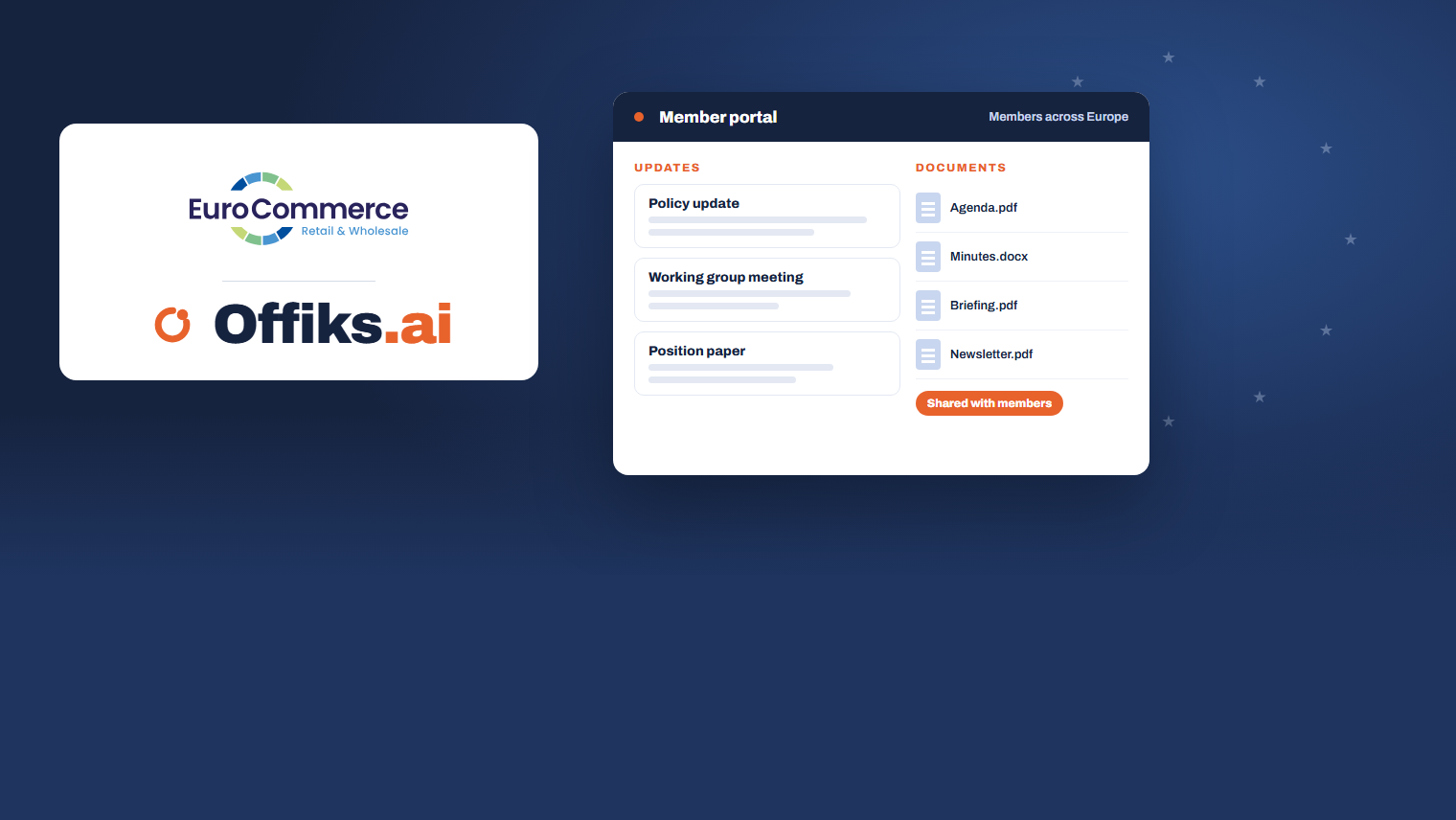
How it works in practice
Concrete pieces of work taken off your hands from day one.
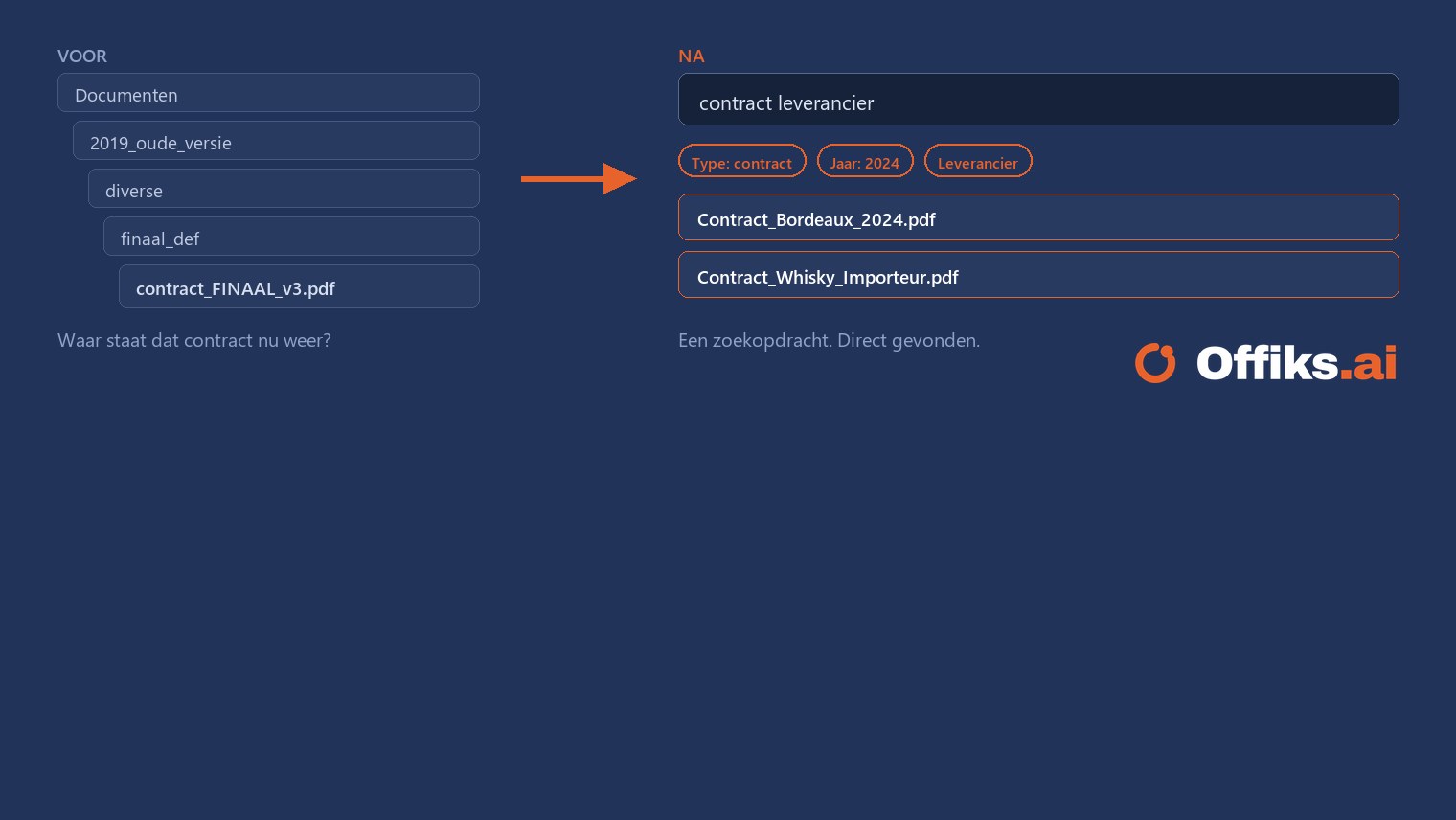
Moving fifteen years of documents
From an old network drive, SharePoint or a wiki to one place. You approve the plan before anything moves, and afterwards the system counts every document.
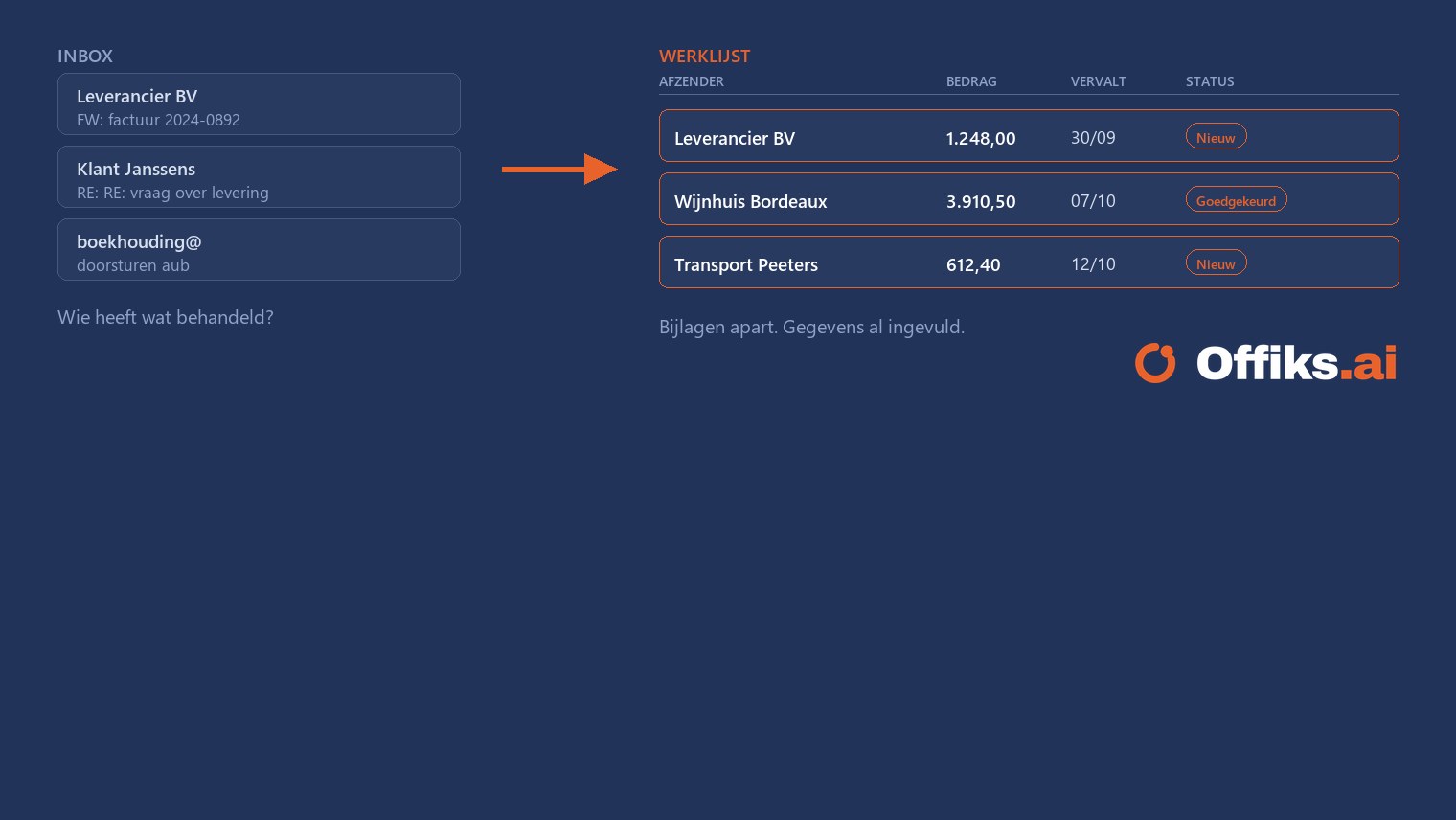
Offiks.ai reads your mailbox
Connect info@ or invoices@ once. Every email becomes a row in a list, attachments kept separately, details already filled in.
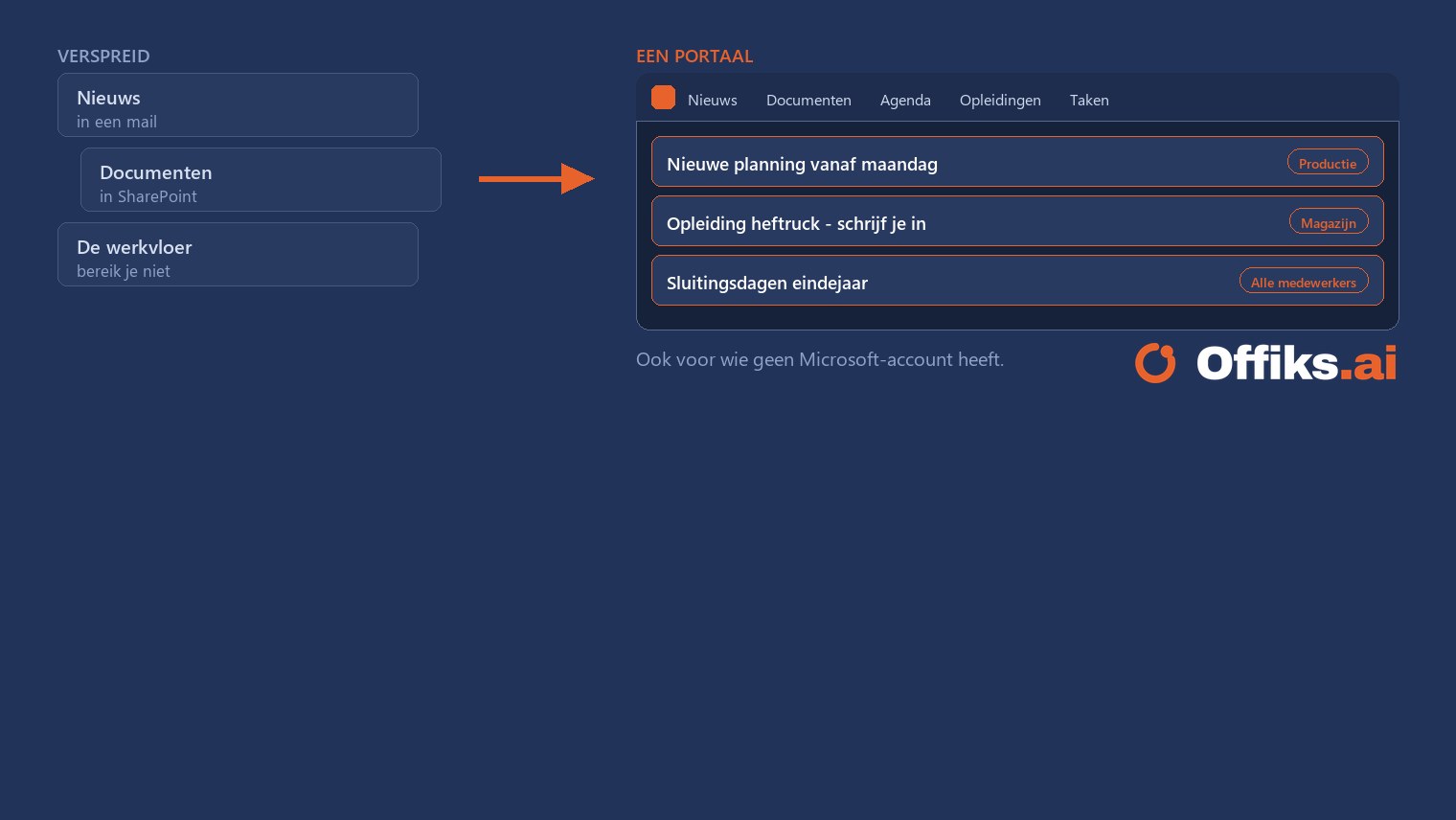
One place where your people find everything
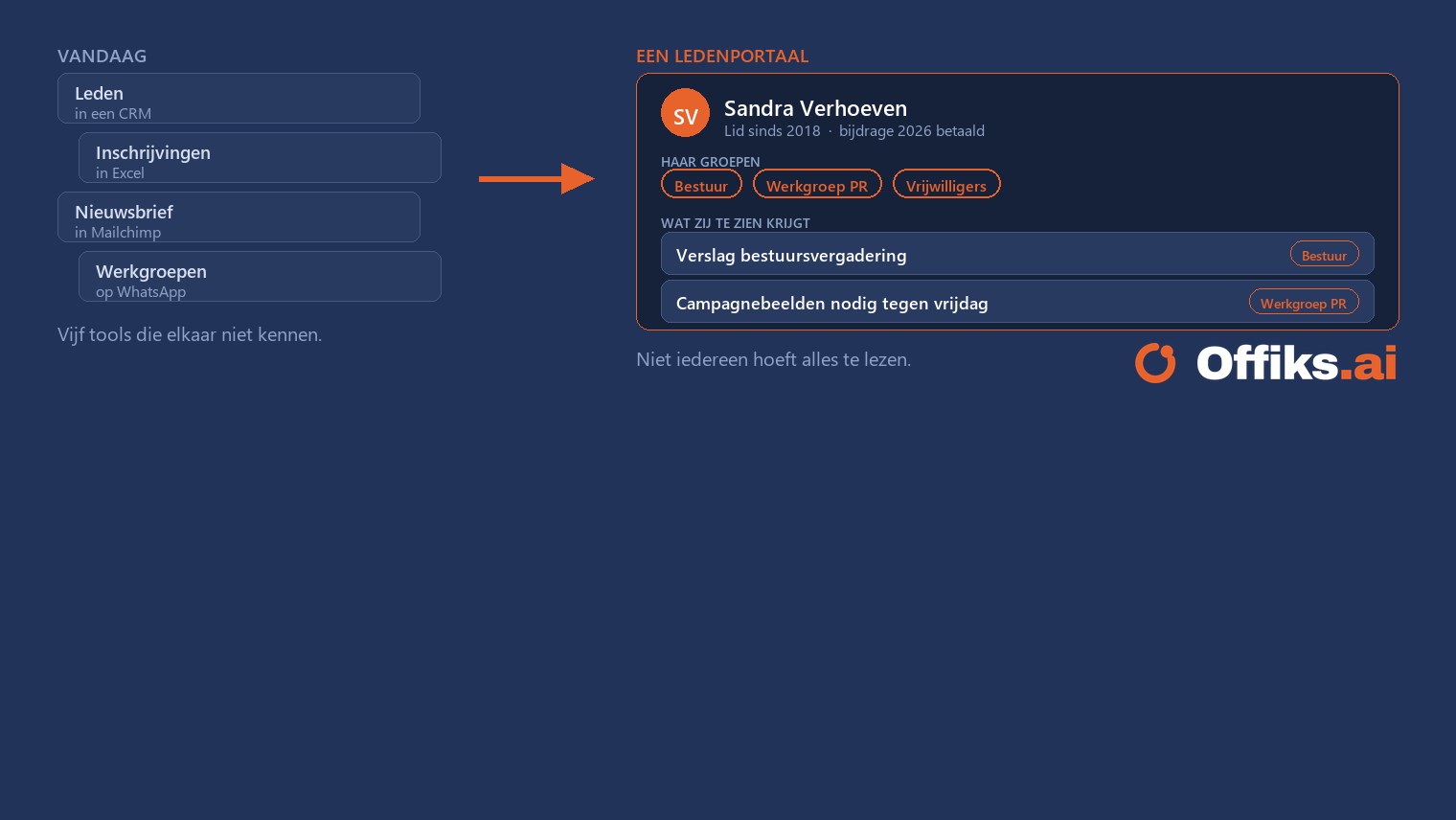
News, documents, calendar and tasks together in one portal, in your own branding. Also for staff without a Microsoft account.
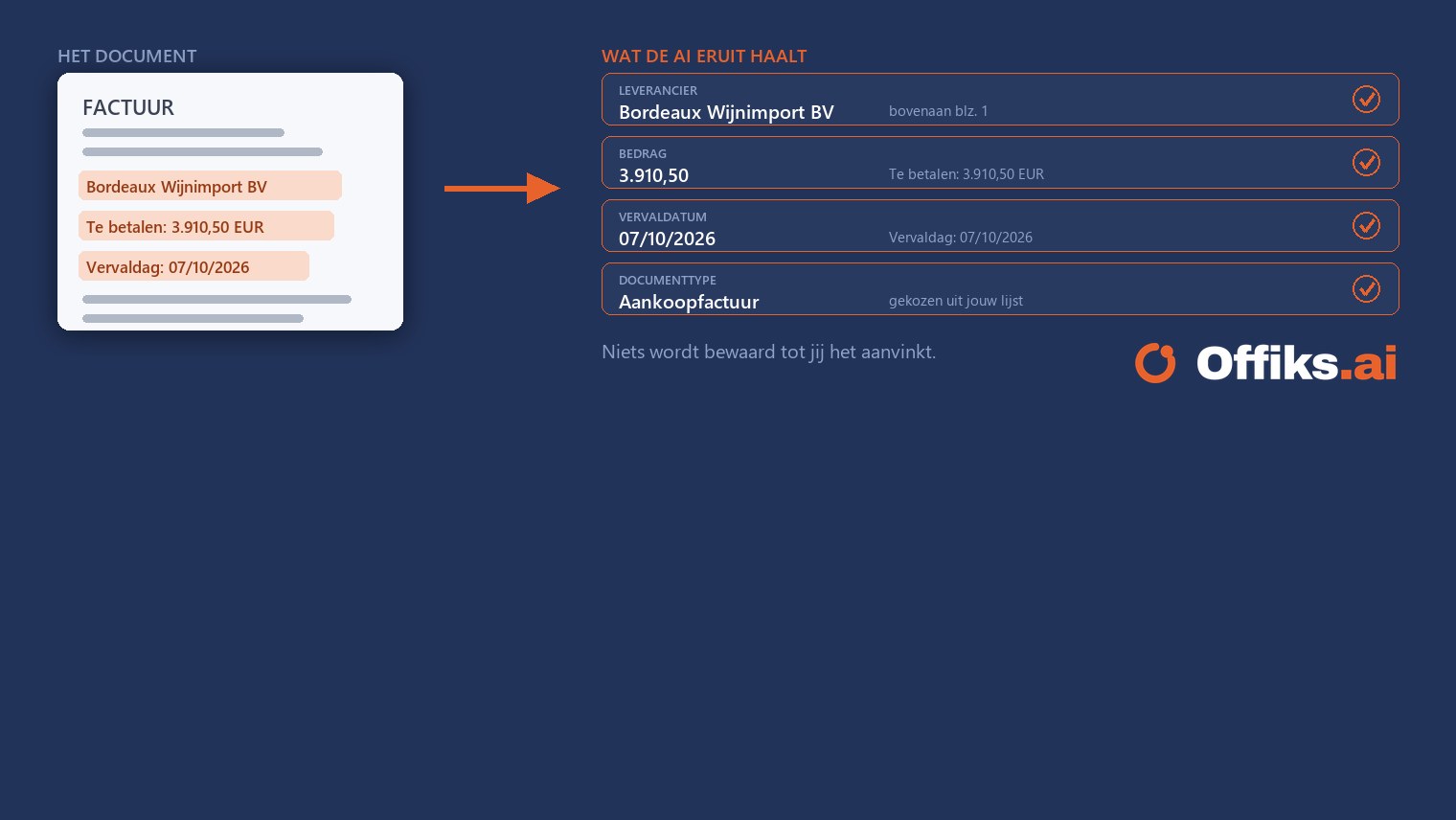
The AI reads the document, you approve
Supplier, amount, date and document type are filled in automatically — with the passage the AI based it on. Nothing is saved until you tick it.
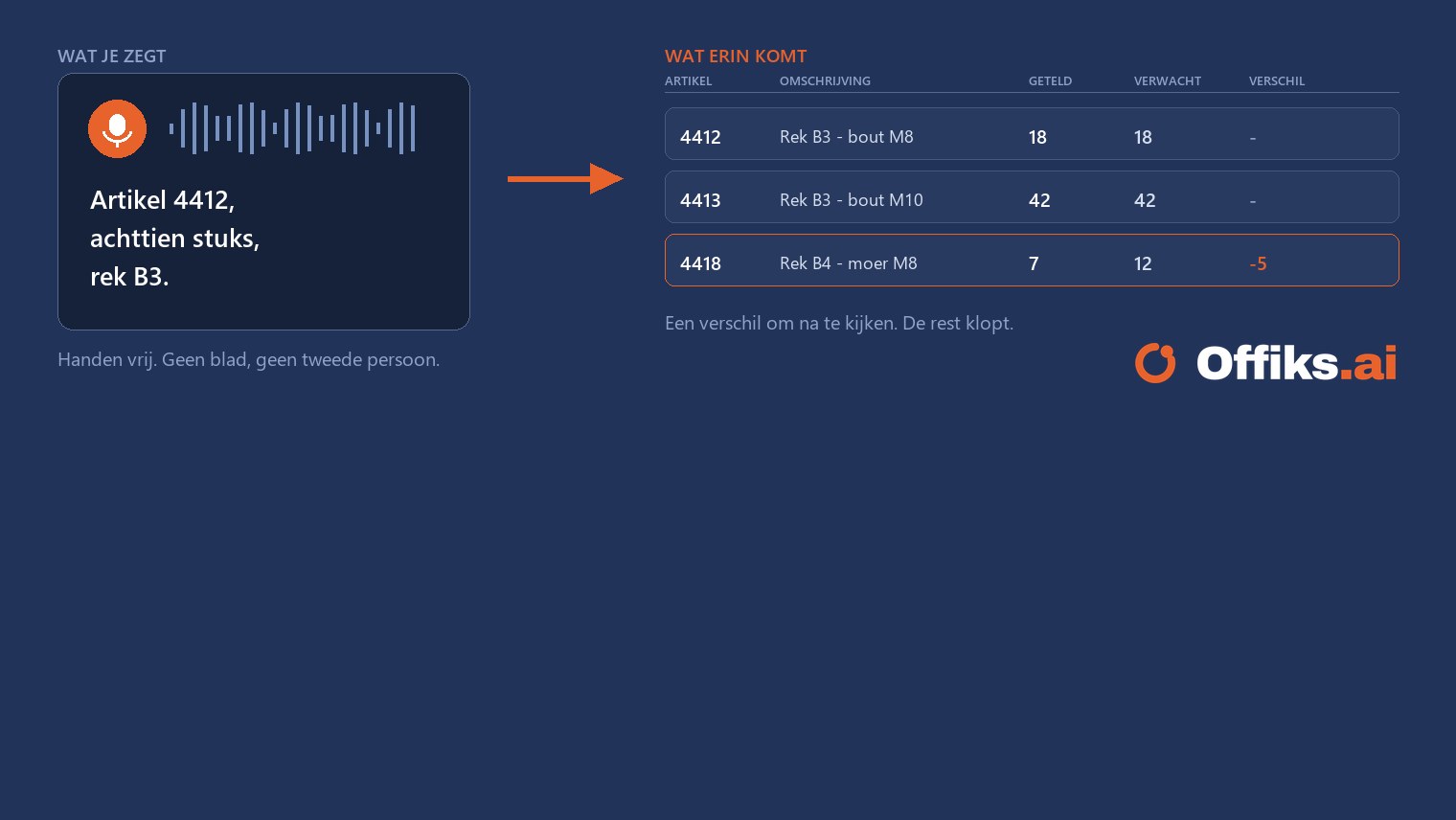
Speak your count, drop the spreadsheet
“Item 4412, eighteen units, rack B3.” Your hands stay free and the count is recorded straight away — with the differences already flagged.
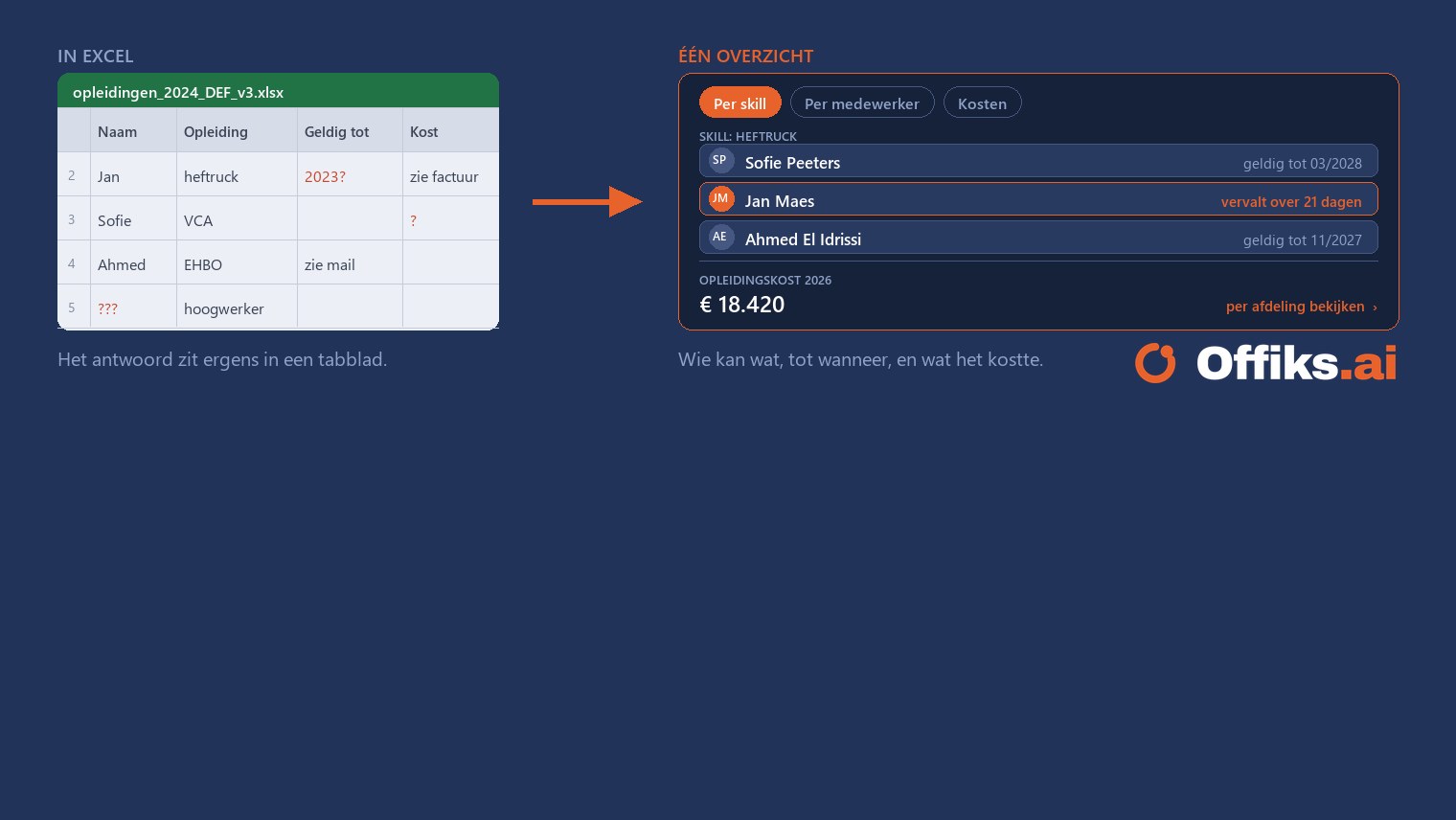
Who can do what, and what did it cost?
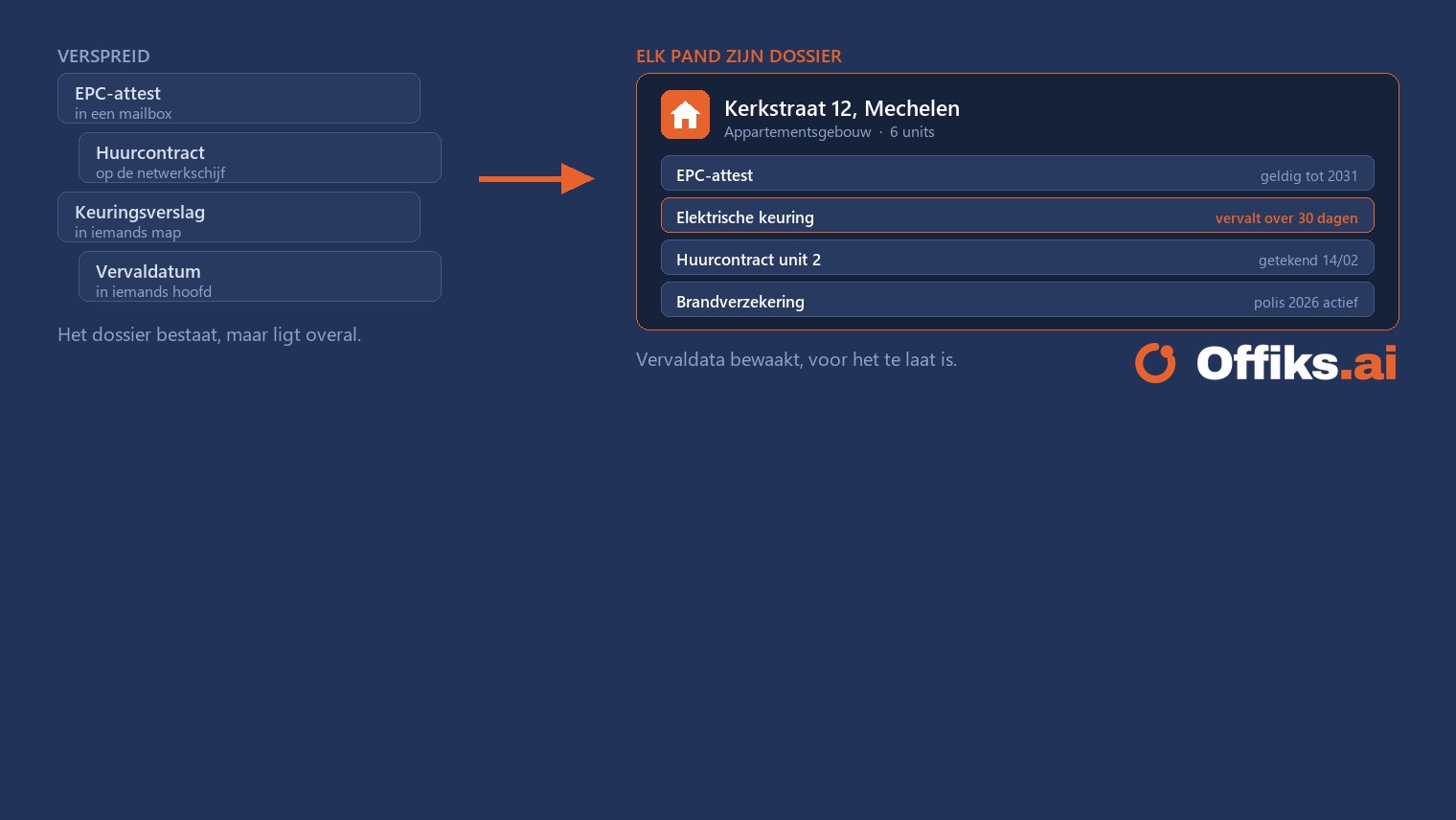
Courses, certificates and costs are linked to the employee. Expiry dates are monitored and the overview by skill builds itself.
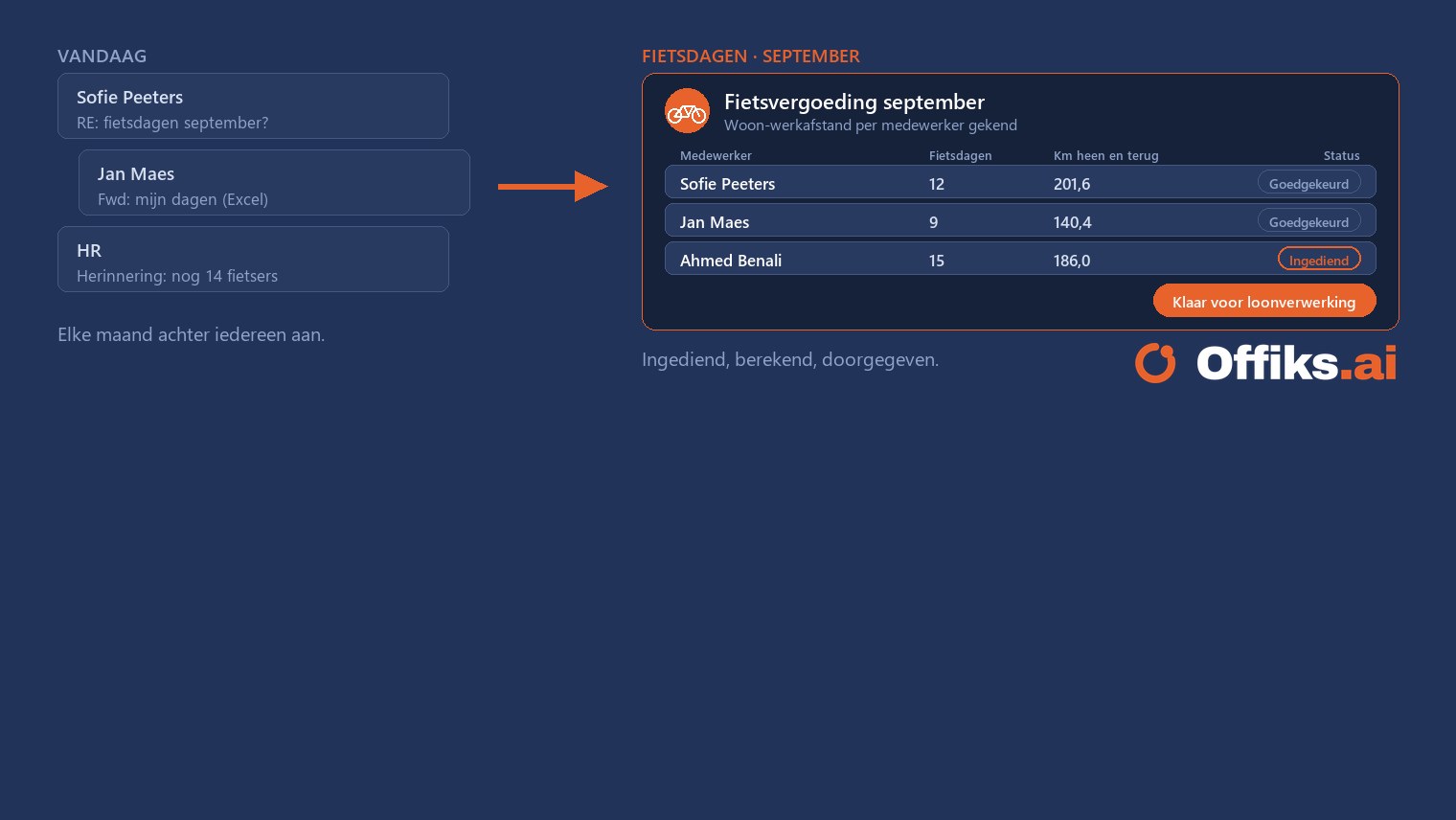
Enter cycling days, allowance calculated
Offiks.ai knows every employee’s commuting distance. At the end of the month they enter their cycling days, and the report for payroll is ready.
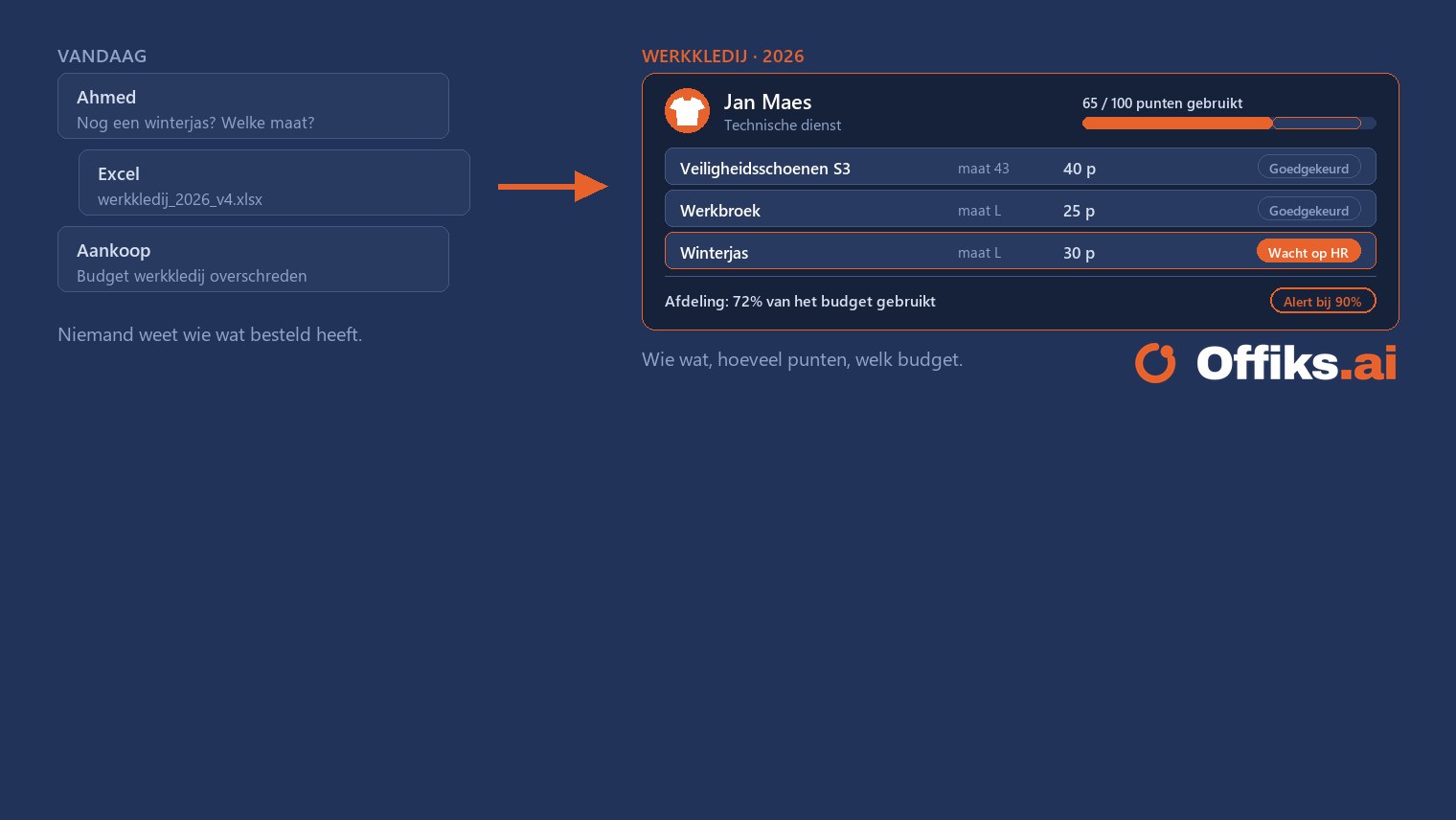
Workwear with points, HR approves
Everyone starts the year with the same number of points. Employees order themselves, HR approves and Offiks.ai shows who ordered what and how much budget is left.
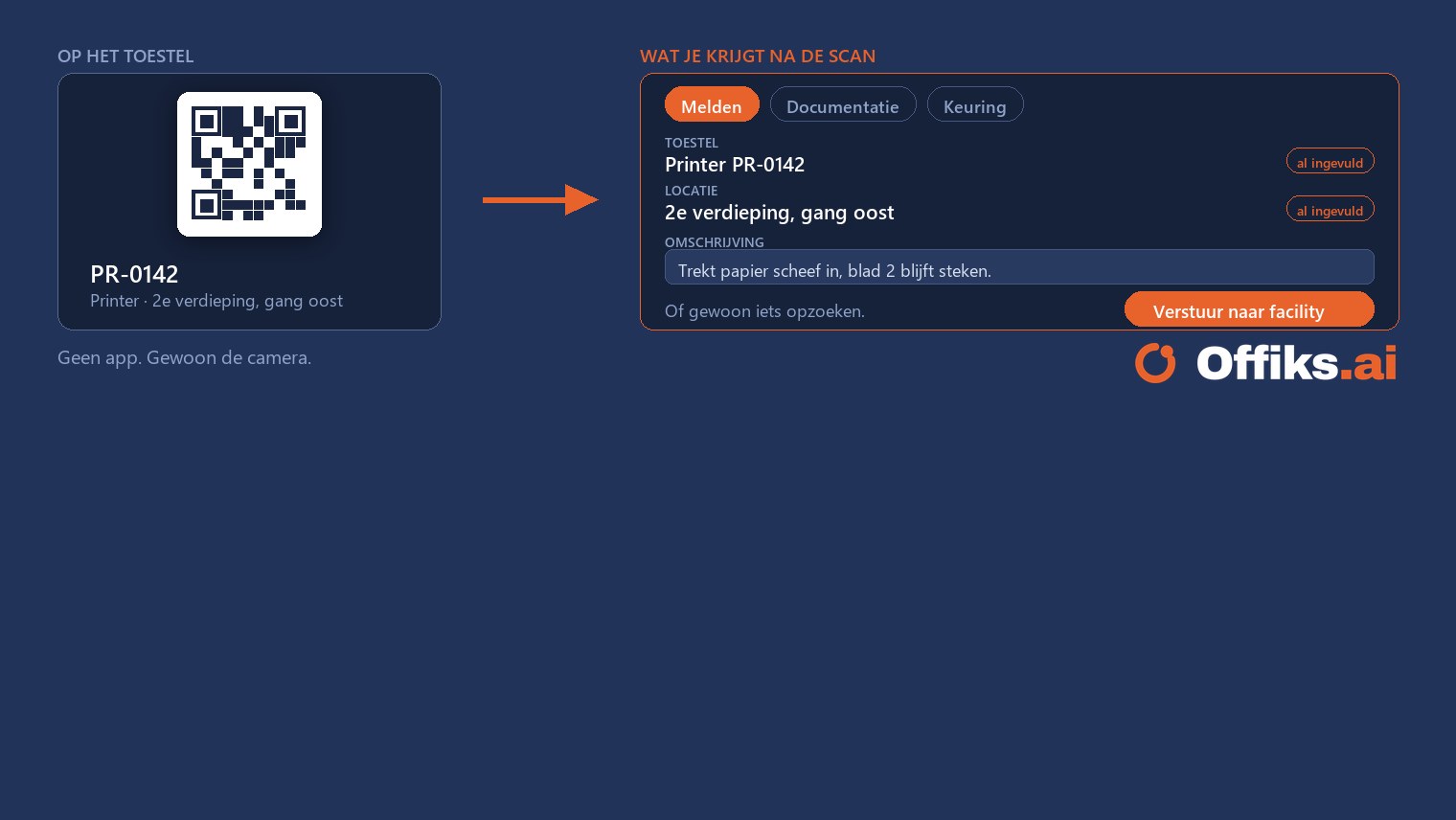
Spotted a fault? Need information? Scan, look it up, photo, sent
A QR sticker on every device and room. Whoever spots something scans it — device and location are already filled in, and the report goes straight to the right person.
Make your process smart and efficient, with AI wherever it helps
Does it still run on Excel, paper or email? Tell us how it works today. We look at how Offiks.ai takes it over: AI wherever it helps, you decide where it matters.
The AI-first operating system for SMEs. Gartner calls the category BOAT — we build it for SMEs.
Start with one workflow. See the first ROI within 30 days. Meanwhile, your company brain builds itself — and gets sharper every day.
Your data stays yours. Even when AI works with it.
Offiks.ai runs in your own Microsoft 365 environment, with data inside the EU, and the AI only sees what the person asking is allowed to see. On top of that, we are actively working towards the certificates you can expect from a platform for your business data.
Book a demoFrequently asked questions
Offiks.ai is your company brain. It captures your organisation’s memory (documents, decisions, exceptions) and lets AI agents do the routine work. You approve, they execute and follow up.
No. The agent works things out, fills in the gaps and prepares the next step. You decide with one look and one click, and every step is recorded in an audit log.
Among others: Dropbox, Google Drive, Confluence, Slack, Teams, Odoo, AFAS, SAP, Business Central, NetSuite, Partena and SD Worx, plus more than 25 other tools. Your systems stay where they are: Offiks.ai adds a layer on top that lets them talk to each other. Is your system not on the list? Ask us.
Yes. With the MCP connector you link your own AI assistant, such as Claude, ChatGPT, Gemini or Copilot, to Offiks.ai. That way you build and manage your environment in plain language: you ask for a list, a form or a flow, and the assistant sets it up for you. It works with your permissions, so it only sees what you are allowed to see.
That depends on the number of users and the processes you start with. After the demo you receive a tailored quote.
Offiks.ai is built for SMEs, public organisations and non-profits. You start with one process and expand when you are ready.
No. Customers manage the platform themselves, without an IT department. You are live in weeks, not months.
The demo takes half an hour and starts from your own process. Afterwards you receive a proposal showing how Offiks.ai takes over that process, with AI where possible and with you in control.